


Welcome to My Technology Blog
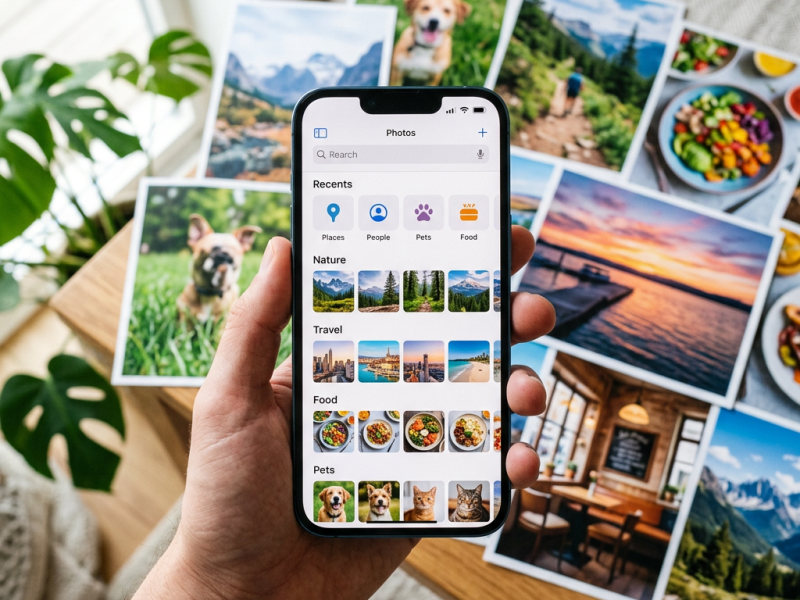
Effortlessly Search Your iPhone or iPad Photos
The Photos app on iOS 18 features an upgraded search function, allowing users to find specific images by typing in objects or text within photos. This enhancement enables quick retrieval of memories, such as vacation photos, by using relevant search terms. It works on iPhones running iOS 18 or later.

Add Any Website to Your iPhone Home Screen Easily
This guide explains how to add a website to the Home Screen of an iPhone or iPad, allowing quick access similar to an app. Steps include opening Safari, selecting the Share icon, choosing “Add to Home Screen,” and toggling on the “Open as Web App” option. Essential for frequent website visitors.
Follow My Blog
Get new content delivered directly to your inbox.


such a very good blog you have I hope u post more! keep posting.
LikeLiked by 1 person
Thank you. I’m still posting but only once a week on Tuesdays at 6p CST.
LikeLike