

IRAYMOND OGLESBY @RaymondOglesby2
March 31, 2026 – 3 minutes read time
Overview
How do you take a video in picture mode on an iPhone? Use Apple’s QuickTake, the fastest way to record a video on the iPhone.
When you find the perfect moment for a video, you do not always have time to switch between Photo and Video mode on your iPhone.Here’s how to record on an iPhone quickly right from Photo mode, and directly from your Lock Screen.
Key Takeaways
- Record video on your iPhone without leaving photo mode.
- Makes recording video quick and easy, so you do not miss important moments.
System Requirements
This tip was performed on an iPhone 17 Pro running iOS 26.3.
Click here to learn how to update your iPhone to the latest iOS version.
The QuickTake Recording Feature
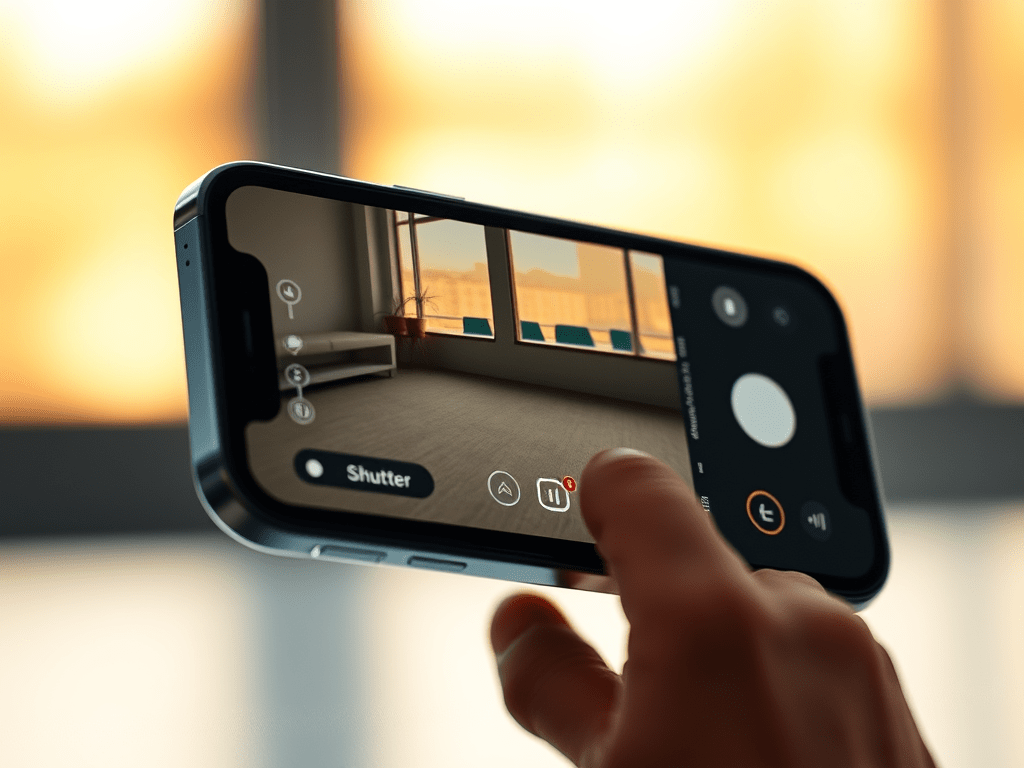
First, open the Camera app directly from your Lock Screen. Refer to the image below:

Next, in Photo mode, press and hold the Shutter button; your iPhone will begin video recording. See the image below:
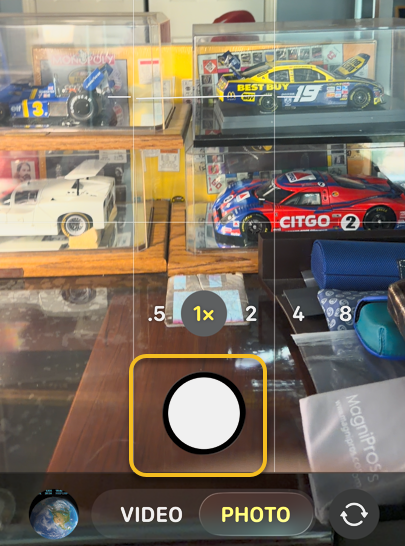
Now, you can drag the Shutter button to the right to temporarily lock your camera into Video mode. See the following image:

Next, when you are finished, tap the red square or release the Stutter button (if you did not slide it to the right) to stop recording. Refer to the image below:
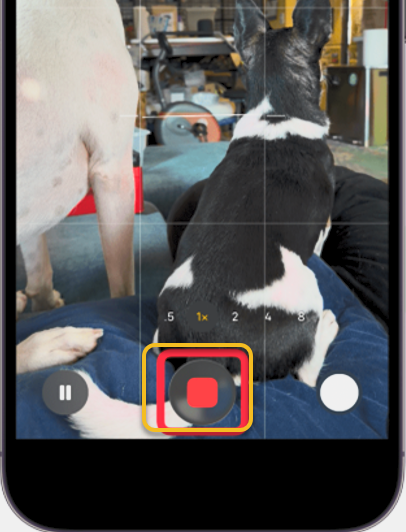
Now, when you are finished recording, your Camera app will return to Photo mode.
You now know how to record a video on an iPhone! The Camera app is truly versatile and perfect for capturing life’s most precious and exciting moments.
Disclaimer
Technology is constantly evolving, and smartphone and desktop tech rarely remains static. Therefore, the information in this post is only accurate as of the date it was written. Blog posts that are older than six months may contain instructions that are no longer compatible with your device or operating system. We hope that the content from previous posts continues to function as intended. Thank you for reading TechSavvy.Life, where technology works for you.
Quote For the Day
Books may look like nothing more than words on a page, but they are actually an infinitely complex imaginotransference technology that translates odd, inky squiggles into pictures inside your head.
– Jasper Fforde
(X) Twitter Info
That’s it. Please feel free to share this post! One way to share is via Twitter.
Just click the Tweet icon below. This will launch Twitter where you click its icon to post the Tweet.
Checkout TechSavvy.Life for blog posts on smartphones, PCs, and Macs! You may email us at contact@techsavvy.life for comments or questions.
Tweet
The author’s Vietnam eBook, “Battle for Tra Bong Vietnam: Events and Aftermath,” is available on Kindle devices and the Kindle App for desktop, laptop, and smartphone. The apps are free.
 Tech Savvy Life