

RAYMOND OGLESBY @RaymondOglesby2
October 8, 2024 – 4 minutes read time
This is for devices running Windows 10. Screenshots are from Dell XPS PC
Overview
As Microsoft prepares to end support for Windows 10, a third-party service is ready to step into the void by offering five years of extra updates for the popular OS.
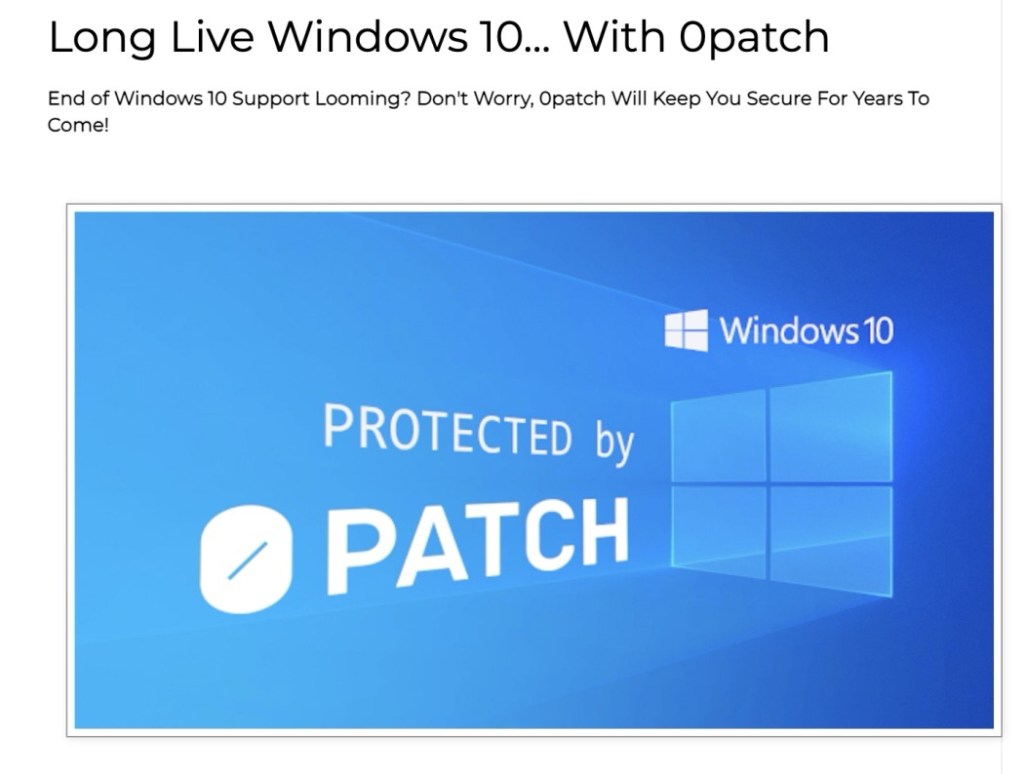
The offer comes from Slovenia-based 0patch, which has made a business out of patching out-of-date Windows operating systems, including Windows 7. It plans to supply critical security patches for $27.00 annually to Windows 10 users once Microsoft officially stops supporting the OS in October 2025.
“With 0patch, you will be receiving security ‘micro patches’ for critical, likely-to-be-exploited vulnerabilities that get discovered after October 14, 2025,” Refer to the below image:
Pricing
The catch is trusting Opatch, an unofficial Microsoft service, to safely maintain your Windows 10 installation. Extended support will cost €24.95 ($27) per year.
Still, the price might be a bargain. Microsoft will also offer an Extended Security Updates (ESU) program, but the cost to business customers starts at $61 per device per year and doubles every consecutive year for up to three years ESU does not include new features, nonsecurity updates, or design changes. It has not announced pricing for consumers yet, but it will likely be more than $27 per year as Microsoft would prefer you upgrade to Windows 11.
The 0patch service may appeal to those with one of the estimated 240 million PCswhich are incompatible with Windows 11.
“Many of us do not want to, or simply can not upgrade to Windows 11,” 0patch wrote in a blog post that also excoriates Microsoft’s efforts to revamp the OS. “We do not want to because of increasing enshittification including bloatware, Start Menu ads, and serious privacy issues. We do not want to have an automated integrated screenshot and key-logging feature constantly recording our activity on the computer”.
How It Works
In contrast, 0patch promises to maintain Windows 10 by serving its critical security fixes. “These patches will be small, typically just a couple of CPU instructions (hence the name), and will get applied to running processes in memory without modifying a single byte of original Microsoft’s binary files,” the service says. Thus, no CrowdStrike-like crash.
“There will be no rebooting the computer after a patch is downloaded because applying the patch in memory can be done by briefly stopping the application, patching it, and then letting it continue,” 0patch adds. “Users will not even notice that their computer was patched while they were writing a document, just like servers with 0patch get patched without any downtime at all.”
Still, 0patch will not fix every security vulnerability for Windows 10, only “the important ones, such as those exploited in the wild or those without official vendor patches.” If demand for 0patch’s Windows 10 support is high, the service plans will support the OS beyond five years.
Source – PC Mag, Microsoft
Disclaimer
Technology is always changing. Rarely is there static tech for smartphones and desktops. Thus, the contents of this post are only valid at the time of writing. Blog posts older than six months may have directions incompatible with your device or OS. Hopefully, older post content will continue to work as advertised. Thank you for reading TechSavvy.Life for Technology at Work For You.
Quote For the Day
“Real stupidity beats artificial intelligence every time.”
-Terry Prachett
X (Twitter info)
That’s it. Please feel free to share this post! One way to share is via Twitter.
Just click the Tweet icon below. This will launch Twitter where you click its icon to post the Tweet.
Checkout TechSavvy.Life for blog posts on smartphones, PCs, and Macs! You may email us at contact@techsavvy.life for comments or questions.
Tweet
I Would Like to Hear From You
Was this post helpful? We would love to hear your comments. Do you have a computer or smart device tech question? I will do my best to answer your inquiry. Just send an email to contact@techsavvy.life. Please mention the device, app, and version you are using. To help us out, you can send screenshots of the data related to your question.
The author’s Vietnam eBook on the “Battle for Tra Bong Vietnam: Events and Aftermath” can be accessed from a Kindle device or the Kindle App for a desktop or smartphone. The apps are free.
 Tech Savvy Life